

Android app, version 1.2
The AFCM app for Android
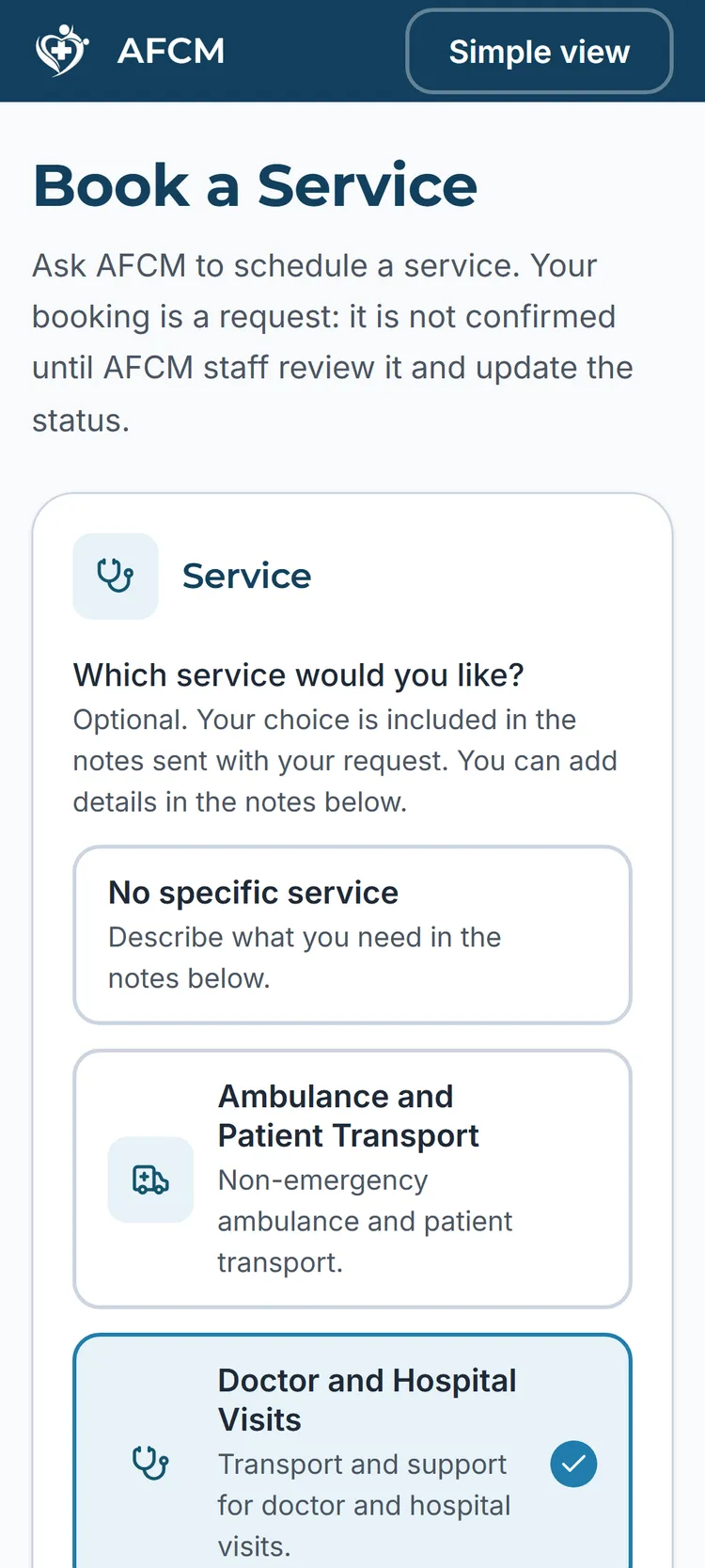
Book services, request AFCM emergency help within our service scope, and coordinate support for a loved one in Jamaica. Install it from Google Play, or download the APK directly from this website.

- Version
- 1.2 (build 3)
- Size
- 8.9 MB
- Requires
- Android 7.0 or newer
Install from Google Play
The simplest way to get AFCM: open the AFCM listing on Google Play on your Android phone and tap Install. Updates then arrive through Google Play as normal.
Or download the APK directly
The same official AFCM app, downloaded straight from this website. Useful if you prefer to install without Google Play. Every fact below is verified against the exact file we publish.
- App
- AllFor Care Medical Android app
- Platform
- Android
- APK version
- 1.2 (build 3)
- APK size
- 8.9 MB
- Package
- com.allforcaremedical.afcm
Google Play is the simplest way to install. The direct APK is the same official app from AFCM, useful if you prefer to install without Google Play; its checksum is published so you can verify the file.
SHA-256 checksum
11d57d8f7bd8e34c652f51ceb7bdd04af404911f3425d5205e4be94d3516f279
The checksum lets you confirm the file you downloaded matches the file we published. It is a verification aid, not a general security guarantee.
How to install the APK
- 1
Download the APK using the button above.
- 2
Open the downloaded file from your notifications or your Files app.
- 3
Android may ask for permission to install apps from your browser. Allow it for this install.
- 4
Follow the prompts to complete the installation.
- 5
Open the AFCM app and get started. Contact our team if you need help.
Need a hand installing?
Message us on WhatsApp at +1 (876) 776-6247 or call the same number and we will walk you through it step by step.
Other phones
This app is for Android phones. There is no iPhone version at this time.